Montvfieto car stereos.
Find the fit for
your next drive.
Explore touchscreen navigation and stereo upgrades for Ford, Chevrolet, GMC and Jeep. Start with your vehicle, compare the available options, and find the information you need before you buy.
Product details, compatibility notes and English user guides are gathered here. When you are ready, purchase through the corresponding Montvfieto listing on Amazon.
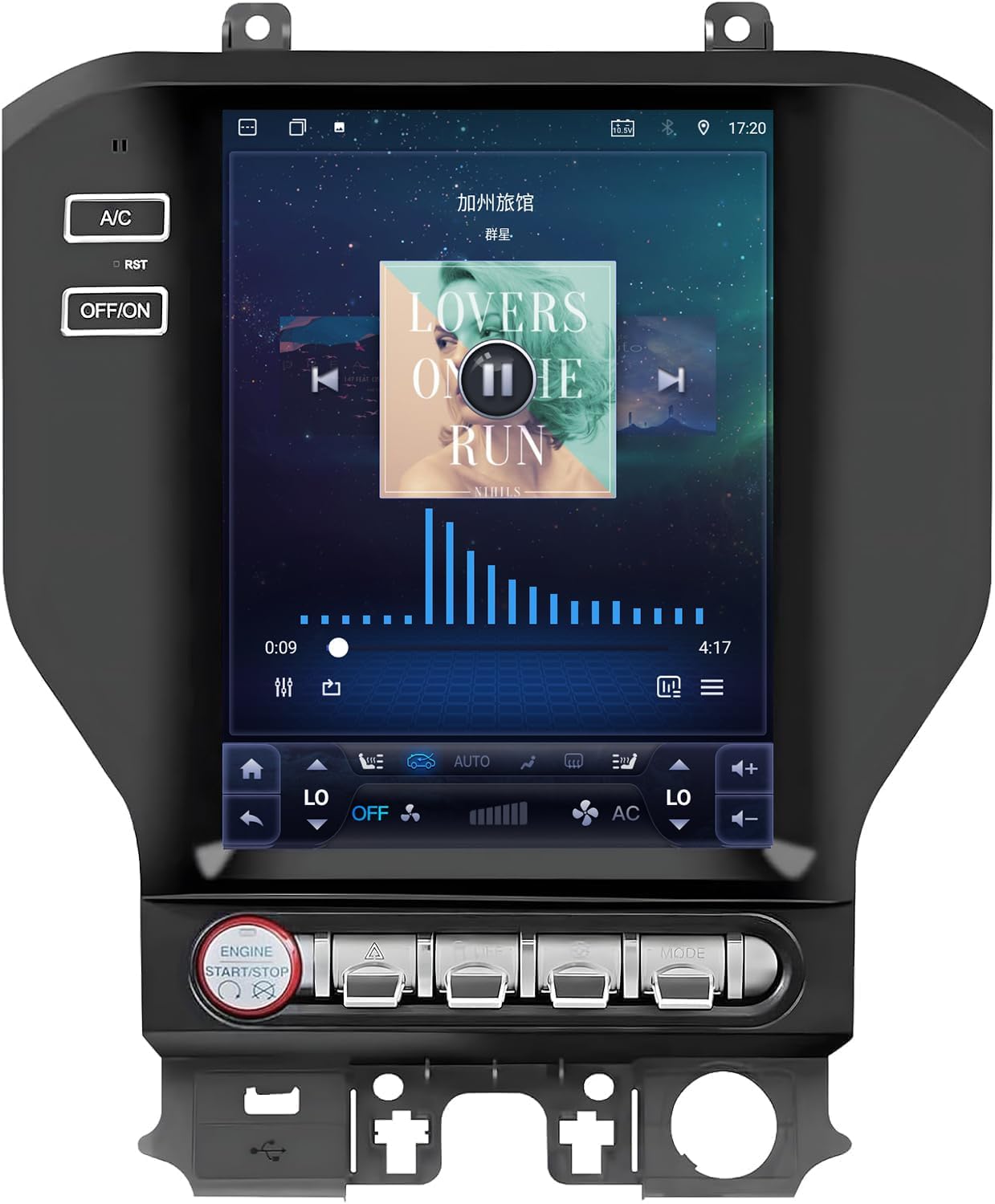 Featured: Ford Mustang · Explore exact fitment in product details
Match the make, model year, dashboard and factory equipment.
Review display sizes and configuration notes for each product.
Open English setup and troubleshooting PDFs for supported models.
Contact our team by email or WhatsApp for product assistance.
Find your vehicle. Explore your upgrade.
Browse our current lineup by automotive brand. Open a product for photos, specifications, compatibility notes and user instructions. Vehicle year alone does not confirm fitment.
The details that matter for your dashboard.
Compare the listed vehicle range and display size. Open the product page for configuration details and check the selected Amazon option before ordering.
| Product | Vehicle | Model years | Display | Details |
|---|
Specifications and compatibility depend on the selected unit and original vehicle equipment. Where source information differs, the product page includes a confirmation note.
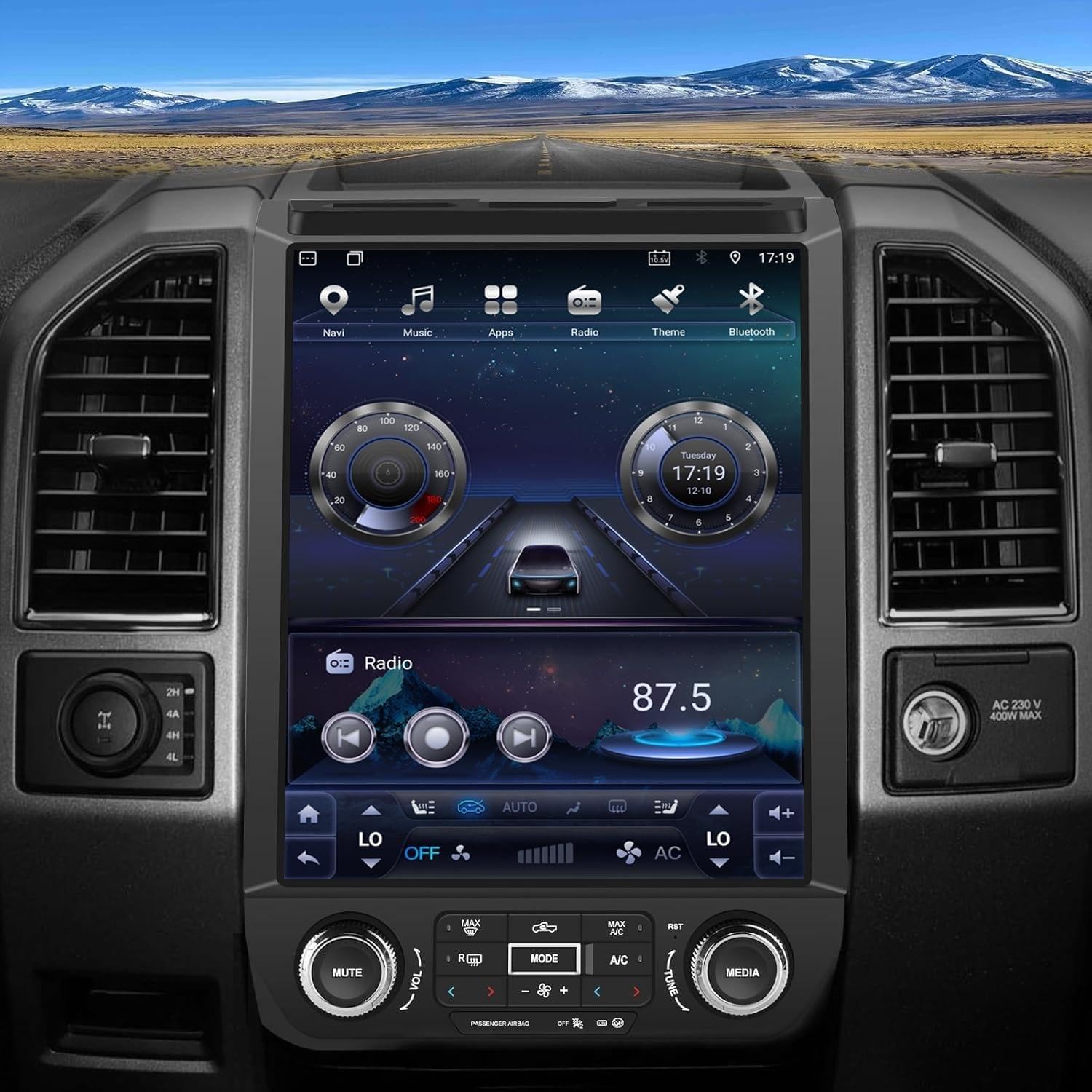
A better upgrade starts with the right fit.
Check your original dashboard and equipment before removing the factory radio. Climate controls, amplifiers and factory systems can change the installation requirements.
Identify your vehicle and original equipment
Confirm the model year, manual or automatic climate controls, and factory audio system. A clear dashboard photo helps our team check your setup.
Review your product’s compatibility notes
Read the exact listing and user guide. Harness and vehicle protocol selection may vary by configuration.
Use the guide for setup and troubleshooting
Keep your model’s PDF available. Contact support if wiring, sound, climate controls or camera settings need clarification.
User guides, right where you need them.
English setup and troubleshooting guides for the vehicles below. Open a PDF in your browser, then download it to keep a copy with your installation materials.
See your product in more detail.
Videos added to a product are available on its detail page alongside photos and user instructions.
Choose your product →A closer look at Montvfieto.
Factory videos will be added here as they become available. For cooperation enquiries, contact our team.
Contact Montvfieto →Frequently asked questions.
How do I know which unit fits my vehicle?
Start with the make, model and year, then compare your original dashboard, climate controls and factory audio equipment with the product’s compatibility notes. Send support a dashboard photo if you need help confirming the correct version.
Where do I place my order?
Open a product detail page and select Buy on Amazon. Pricing, stock, delivery, payment and return terms are shown on the corresponding Amazon listing and order page.
Does every product have the same CarPlay and Android Auto connection options?
Connection options vary by product and configuration. Check your product page and the selected Amazon listing. Contact support if the source information differs or you need confirmation for a specific unit.
Where can I download the user manual?
Use the English PDF links in the Guides section, or open User instructions on the corresponding product page. We currently provide Mustang, Explorer and two F-150 model-year guides.
What should I do if I cannot find the CarPlay app?
The supplied Ford guides describe connecting the unit to Wi-Fi and locating TLINK5 through DOFUN PLAY. Follow your product’s guide, since applications and menus can vary by software version.
How do I get help with installation or setup?
Contact us by email or WhatsApp with your product ASIN, vehicle year and model, a dashboard photo and a description of the issue. Avoid changing vehicle protocols unless you have confirmed the appropriate settings for your unit.
Built around your drive.
Supported beyond the product page.
Montvfieto focuses on automotive navigation and touchscreen stereo upgrades for specific vehicle platforms. Our current collection serves selected Ford, Chevrolet, GMC and Jeep models.
We bring product information, compatibility guidance and support resources together so you can make a more informed choice and find help after installation.
For business cooperation or factory visit enquiries, contact our team to discuss your requirements and arrangements.
The right information.
The right product.
A clearer way forward.
Explore here, confirm your fitment, and complete your purchase on Amazon.
Visit the Montvfieto Amazon Store ↗Let’s find your fit.
Questions about your vehicle, installation or a business enquiry? Talk to the Montvfieto team.
yanhaoawm@gmail.com
WhatsApp: +86 15238290961